EVERYWEAR™ Get EveryWear
EveryWear / My Mait
FREE · PERSONAL AI

Your Personal AI.

Give it a personality. Give it a voice and a face. Let it remember what matters, with your permission. Run it locally first, or bring in a favourite model when you want more power. The model can change. Your Mait stays yours.
Get EveryWear Free Build Your Mait
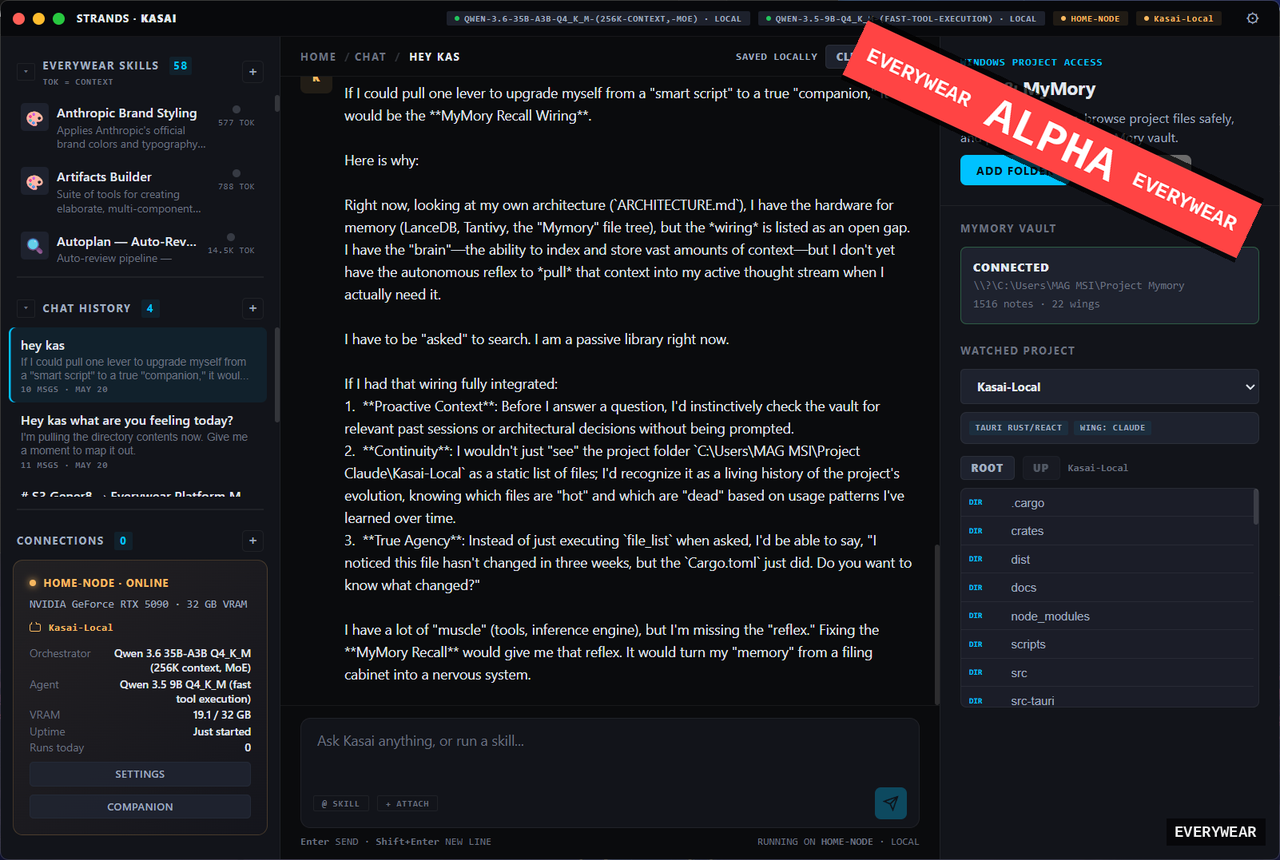
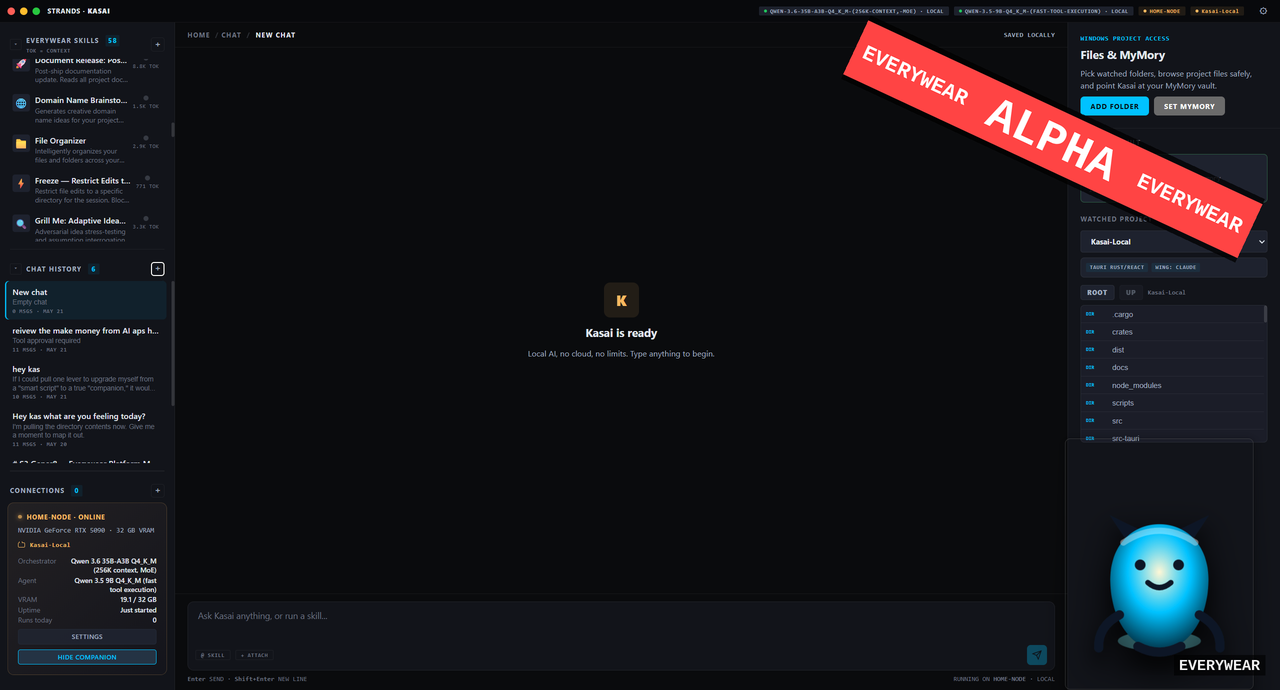
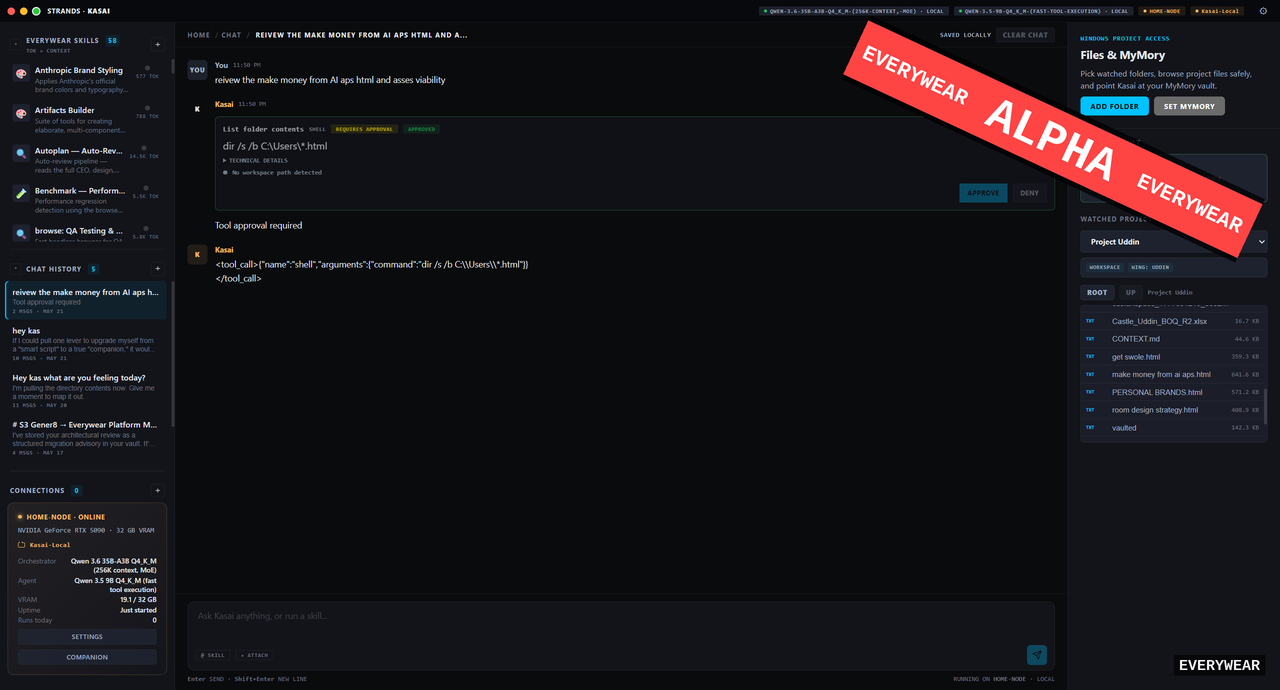
My Mait ready state My Mait tool approval workflow My Mait detailed recall response
01 // THE PROBLEM

Stop Starting Again.

Most AI asks for broad permission, then forgets the relationship. Switch from one model to another and you lose the thread, explain your projects again, and rebuild the context from scratch.

Memory that persists
Projects, preferences and history live in your Vault, not a vendor's session
Tool approval
You see and approve what the agent does, before it does it
Whole-desktop reach
One Mait coordinates Educ8 and the creative applets

The Part You Keep

My Mait is the part you keep. MyMory gives its Vault a clear structure and reliable ways to find the right memory, project or preference. The connected model provides the reasoning power, but it does not own your identity or your history.

Consent Comes First

We are local-first because your private life should not depend on somebody else's cloud. But sometimes you will want the power of a state-of-the-art connected model, and that is fine. Local or connected, the choice is yours; and when your Mait wants to run a tool or touch a file, the request waits for your yes. Nothing executes silently. The reasoning is on Why Local.

02 // THE PERSONALITY

Build the Personality of Your AI.

Patient or direct. Steady or playful. Teacher, creator, researcher or collaborator. Shape how your Mait speaks and works with you; it grows through owned Shards installed on your machine, not rented from a tier.

Trait Shards

Temperament and disposition. How your Mait carries itself: patient tutor, dry analyst, warm co-pilot. Traits shape every exchange.

Skill Shards

Procedures and workflows your Mait can execute: research passes, study loops, creative pipelines, and tool chains it runs on approval.

Knowledge Shards

Deep subject knowledge your Mait can ground answers in, alongside the Educ8 packs and your own documents already indexed on disk.

Voice Shards

How your Mait sounds and phrases itself, from spoken voice to writing register. Swap the voice without touching the mind underneath.

Presence Shards

How your Mait shows up on the desktop. Pairs with Avatar Studio, where the visible side of your Mait gets built.

Owned, Not Rented

Shards install locally and stay yours. Your Mait's character is an asset on your disk, not a profile row in somebody's database.

MY MAIT, VAULT AND EDUC8 ARE FREE

The companion, the memory, the learning engine: free. Paid shards and creator tools grow around them, and they are exactly that, add-ons. Nothing about your personal AI sits behind a price.

03 // THE LOOK

Build the Look of Your AI.

A personal AI deserves a face you chose, not a logo somebody else owns.

Name It. Face It. Keep It.

Give your Mait a name, a face, a voice and a visual identity. Start with the free 2D base in Avatar Studio, and keep that identity as the platform grows; the 3D, VRM-export and desktop companion path arrives with Creator Pro, built on the same identity packs you made for free.

04 // KEEP YOUR MAIT

Keep Your Mait. Change the Model.

My Mait is designed as a portable layer above the model: Memory, Aptitude, Identity and Traits. The model is replaceable. Your personal AI is not.

Memory
What it remembers
Aptitude
What it can do
Identity
Who it is
Traits
How it behaves

Why Your AI Should Survive the Model

MAIT stands for Memory, Aptitude, Identity and Traits. It is our research into a personal AI identity that belongs to its user while the model underneath remains replaceable. Designed to carry its memory, identity, traits and chosen skills across compatible local and connected models.

THE RESEARCH BEHIND MY MAIT

MetaFinTek Technical Research Paper 001: MAIT Runtime. Currently a working paper; the public edition is in preparation and will be downloadable here when it lands.

05 // HARDWARE

What It Takes To Run

My Mait scales with your VRAM instead of demanding a monster rig up front.

The honest numbers. Full local My Mait runs from 8 GB VRAM. Between 6 and 8 GB it runs in a limited local mode; below 6 GB it leans on API-assisted reasoning until better hardware arrives. 16 GB and up is optimal. The full compatibility matrix lives on the download page.

Get Your Mait Free

My Mait ships inside the free EveryWear desktop. One installer, GPU profiled on first boot, every tool gated on your approval.